
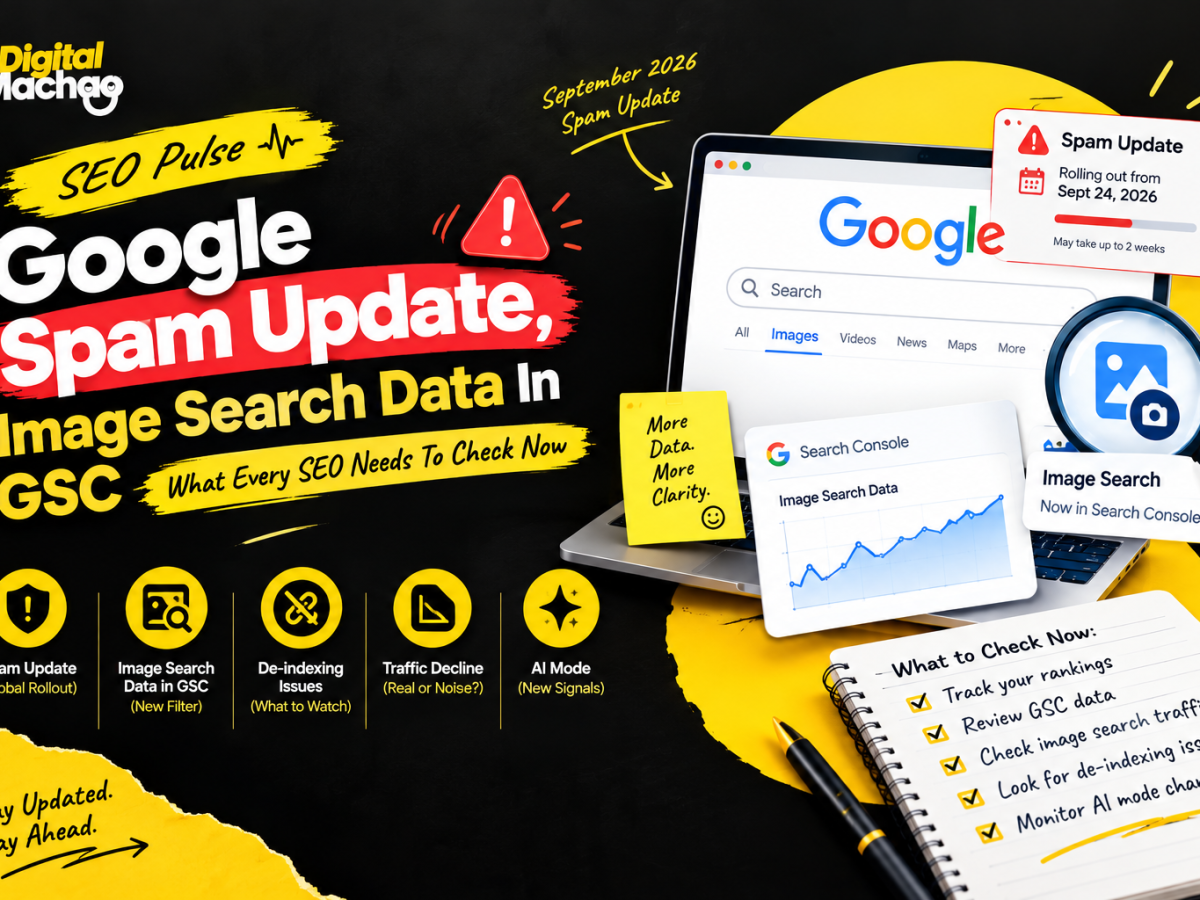



Google Spam Update, Image Search Data In GSC – SEO Pulse
For anyone working in SEO, the past week must have been quite busy indeed. Google has started rolling out yet another anti-spam update with an extended timeframe for its deployment.
A new visualization of search queries triggered via images appeared on Search Console. De-indexing panic related to the casino website of some unknown person was raging through the SEO community. Finally, two studies revealed fresh statistics regarding the loss of traffic by means of the traditional blue links.
Taken separately, those could be considered independent events. But when viewed altogether, they tell the same unpleasant story – Google is providing you with different perspectives on your traffic, while the explanation of the reason why this happened still relies primarily on your own logs.
This article will help you understand what each of the five events means, how it affects you and your website, and which specific actions can be taken to distinguish between a threat and noise.
Google Rolls Out The September 2026 Spam Update
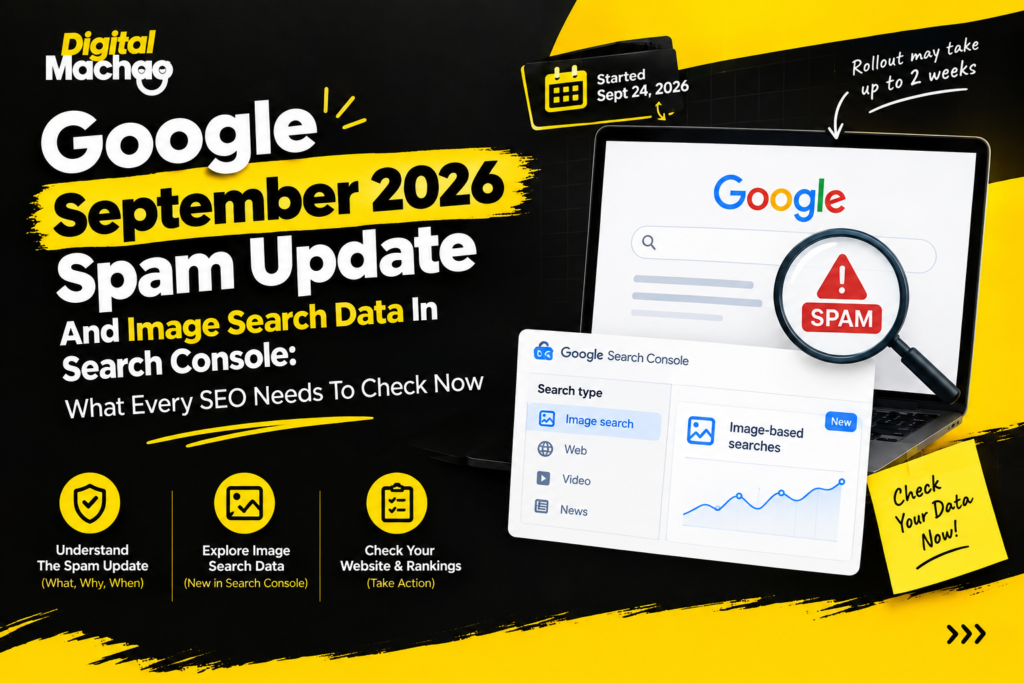
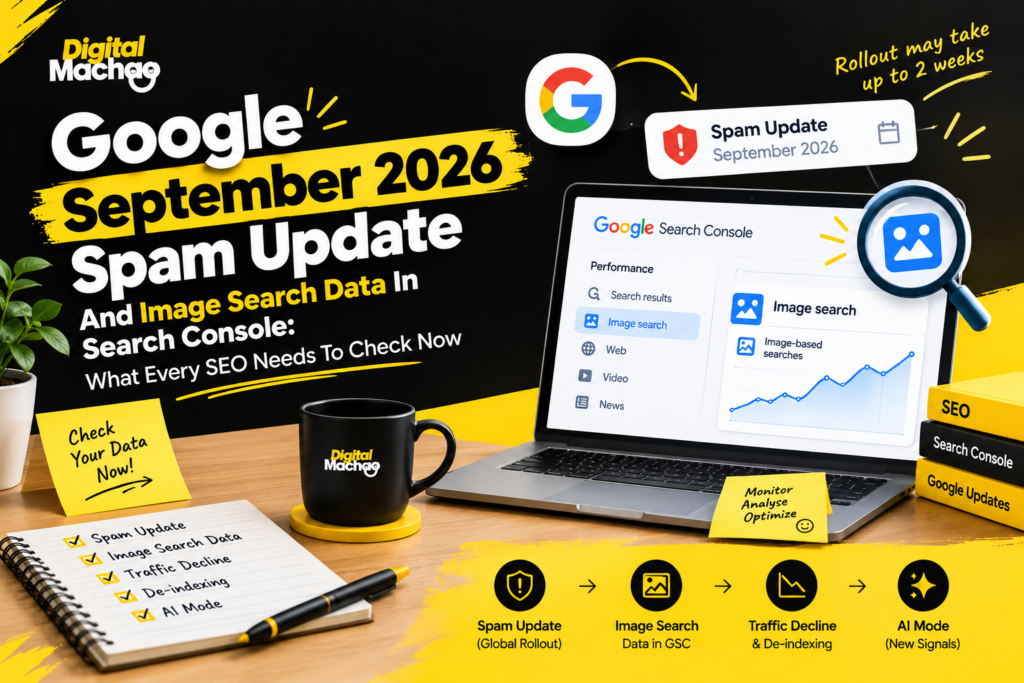
Google began rolling out its September 2026 spam update on September 24, and this time it warned that the process may take up to two weeks to finish.
Key facts:
- The rollout started at 9:15 a.m. PDT, according to Google’s Search Status Dashboard.
- It applies globally and across all languages.
- It is the fourth spam update of 2026, following earlier ones in March, June, and August.
- Google described each of those earlier updates as needing “a few days,” and none of them ran longer than two days and sixteen hours.
- Google has not said what this update specifically targets.
Why This Matters
The two-week window is noticeably longer than anything Google gave a spam update earlier this year. That has a practical consequence: the first few days of data may not show the full effect. A dip on day three doesn’t necessarily tell you where your site will land on day twelve, and a quiet first week doesn’t guarantee you were untouched.
The safest approach is to line up any ranking or traffic movement in Search Console against the rollout dates, rather than reacting to daily swings. Google’s own advice for sites that feel affected is to revisit its spam policies and honestly compare your pages against them. Since the company hasn’t named a target, that policy review is the only reliable starting point.
Move Fast In The First 24 Hours
Send a welcome email within 24 hours of signature.
The excitement and momentum built during the sales process fades fast if the client hears nothing for several days. A quick, organized welcome message reinforces that the project is already moving.
That first email should set up the shared communication channel, request the access you’ll need (analytics, Search Console, the CMS, and so on), and include an onboarding questionnaire built around the specific business — not generic boilerplate. Useful questions include who the client’s core customers are, what makes their business different from competitors, their biggest current challenges, and what success actually looks like to them.
Speed here isn’t just politeness. It’s the first real proof point that this agency is organized and easy to work with.
A quick checklist while the update rolls out:
- Note your baseline clicks and impressions from the two weeks before September 24.
- Avoid making large, reactive site changes mid-rollout, because they muddy the data.
- Wait until Google marks the update as complete before drawing conclusions.
- If you do see a drop, review scaled content, expired-domain abuse, site reputation abuse, and manipulative link patterns against Google’s published spam policies.
Search Console Adds A Filter For Image-Based Searches
The second big development is a genuinely useful one. Google is rolling out a multimodal filter in the Performance report of Search Console, built to show searches where someone used an image rather than typing words.
Key facts:
- The data covers Google Lens, Circle to Search on Android, image uploads to Google Search, and the “Search this image” option in Chrome’s right-click menu.
- The filter sits under the Web search type, and the rollout is global.
- Query data is not available, because these searches mostly rely on images rather than text.
- Google says multimodal reporting is also coming to the generative AI performance report.
Why This Matters
For e-commerce stores, publishers, and any site with strong product or visual photography, this is the first clear, page-level view of what people land on after searching with an image. You can compare those pages against text-search traffic by country and device, which may reveal that a certain product category performs far better in visual search than in traditional search.
There is an important limit, though. A product page showing multimodal clicks will not tell you which image the visitor started with, and there are no queries to study. So the data answers “which pages?” but not “why?” You’ll need to combine it with what you already know about your catalog, your image quality, and your on-page context.
Practical ways to use the new filter:
- Identify which product or article pages attract image-based visits, and make sure those pages have descriptive alt text, clean structured data, and fast-loading, high-quality images.
- Check whether image-driven visitors land on the pages you’d expect, or on old, thin, or out-of-stock pages.
- Track the trend over several weeks before making decisions, since this is brand-new reporting.
Mueller Responds To A De-Indexing Case Involving A Casino Site
The third story came from a Reddit thread, where a site owner reported that pages were dropping out of Google’s index while an unrelated casino betting page appeared as their canonical.
Key facts:
- The owner said Google was treating a casino page as the canonical version for pages about companies and suppliers.
- Another user described the same issue on their own site and noticed that the third-party canonical was indexed under a generic JavaScript error title. Their theory was that Googlebot had crawled an error page.
- Google’s John Mueller said that could be a plausible explanation and pointed to the live URL test in Search Console.
- In a follow-up reply, he noted that every possible outcome leaves the page not showing in search for its normal content.
Why This Matters
The lesson here is not about casinos. It is about catching a broken page before Googlebot does. Mueller said he runs automated tests before pushing his own sites live, and suggested fetching critical pages on a schedule so problems can be fixed before they turn into stable issues that search engines pick up.
For most site owners, that translates into a simple habit: monitor your important pages the way you would monitor uptime. A page that briefly serves an error, a blank shell, or a broken script can be crawled in that state and end up misclassified for far longer than the actual outage lasted.
Simple monitoring steps:
- Use the live URL test in Search Console on your most valuable pages after any deployment.
- Schedule automated fetches of key templates, such as home, category, product, and top articles.
- Set alerts for unusual jumps in “Duplicate, Google chose different canonical than user” in the indexing report.
Chartbeat Finds Google Search Decline Steepened For Publishers
The fourth story is a reminder of how uneven the traffic picture has become. According to Chartbeat’s 2026 Publisher Playbook, declines from Google Search and Discover both grew steeper in the second year across its publisher network.
Key facts:
- Google Search fell 40.2% year over year from July 2025 to July 2026, after a 21.9% decline the year before.
- Discover’s decline widened from 6.6% to 34.3%.
- The playbook does not clarify whether those figures measure raw pageviews or each channel’s share of pageviews.
- The network skews toward news and media publishers.
- Direct, internal, and dark social traffic all gained share over the same two years.
Why This Matters
These numbers are striking, but they are not a prediction for your site. A network weighted toward news publishers behaves very differently from a local service business, a SaaS company, or a niche e-commerce store. The useful move is to place your own July-to-July trend for Search and Discover next to these figures, while keeping in mind how skewed the sample is.
One point worth noting: the channels that grew are the ones media companies have greater control over, including direct visits, internal navigation, and dark social sharing. That is a quiet argument for building audiences that don’t depend entirely on a single search engine, through email lists, memberships, communities, and brand-led search.
Forced AI Mode Cut Clicks To Websites In A Field Experiment
The final story adds hard data to an ongoing debate. A preprint field experiment from researchers at the University of Pennsylvania and Northeastern University tested what happens when people’s Google searches are routed into AI Mode.
Key facts:
- The researchers used a browser extension to track 1,100 U.S. participants across a three-day baseline period and seven days of treatment.
- People assigned to AI Mode clicked through to other websites 18.8 percentage points less often than people using regular Google Search.
- They also rated their trust in Google’s information, and their satisfaction with search, lower.
- During the baseline period, participants used AI Mode for only 0.6% of their searches, so the authors describe the setup as a forced, full-adoption scenario.
Why This Matters
This study measured a specific case: what happens when AI Mode becomes the default experience. It does not measure what is happening to your site today. Google’s Liz Reid wrote in August 2025 that organic click volume from Search to websites had been relatively stable year over year, and this experiment does not directly contradict that, because it tests a different situation.
Still, the direction is worth taking seriously. If AI Mode adoption grows, click-through rates may shift for informational queries first. The practical response is to strengthen the things AI answers tend to reward: clear structure, original data, credible authorship, and content that people would want to click through to for a deeper answer.
Theme Of The Week: The Check Runs On Your Side
Step back from the individual stories and one pattern stands out. Each development hands part of the work back to you.
- The spam update comes with no stated target, so any change in performance has to be matched against rollout dates in your own data.
- The multimodal filter shows pages but not queries, so interpretation depends on what you know about your own products and images.
- Mueller’s answer to a scary de-indexing report was to test and monitor your own pages.
- Chartbeat’s network and the AI Mode experiment’s participants are not your site, so neither tells you what happened to your traffic.
As Search Console splits traffic into more and more views, more of the explaining lands in the records you keep. Annotated calendars, saved reports, deployment logs, and clean baselines are quickly becoming as valuable as any ranking tool.
Key Takeaways
- The September 2026 spam update may take up to two weeks. Don’t judge results from the first few days, and compare movement against the exact rollout dates.
- Search Console now reports image-based searches. Use the new multimodal filter to see which pages attract Lens, Circle to Search, and image-upload traffic.
- Monitor your pages before Googlebot finds the problem. Scheduled fetches and live URL tests can prevent error pages from being misread as canonical content.
- Industry-wide numbers are context, not diagnosis. Compare your own year-over-year Search and Discover trends instead of assuming you’re seeing the same drop.
- AI Mode may reduce clicks in a full-adoption scenario. Build direct audiences and content worth clicking through to.
Frequently Asked Questions
1. When did Google’s September 2026 spam update start, and how long will it take?
Google began rolling it out on September 24, 2026, at 9:15 a.m. PDT, and said the rollout may take up to two weeks. It applies globally and to all languages.
2. What does the September 2026 spam update target?
Google has not said what this update specifically targets. Sites that see changes are advised to review Google’s spam policies and compare their pages against them.
3. How is this spam update different from earlier ones in 2026?
It is the fourth spam update of the year, after March, June, and August. Those earlier updates were each described as taking a few days, and none ran longer than two days and sixteen hours. This one has a longer, two-week window.
4. What is the new multimodal filter in Google Search Console?
It is a filter in the Performance report, under the Web search type, that shows searches where someone used an image. It covers Google Lens, Circle to Search on Android, image uploads to Google Search, and Chrome’s right-click “Search this image” feature.
5. Does the new filter show which search queries people used?
No. Query data is not available for multimodal searches because they mostly use images rather than text. The filter shows page-level data, which you can compare against text-search traffic by country and device.
6. How can I avoid pages being de-indexed because of error pages?
Test important pages regularly with Search Console’s live URL test, run automated checks before deploying changes, and schedule periodic fetches of key pages so problems can be caught and fixed before search engines crawl them.