
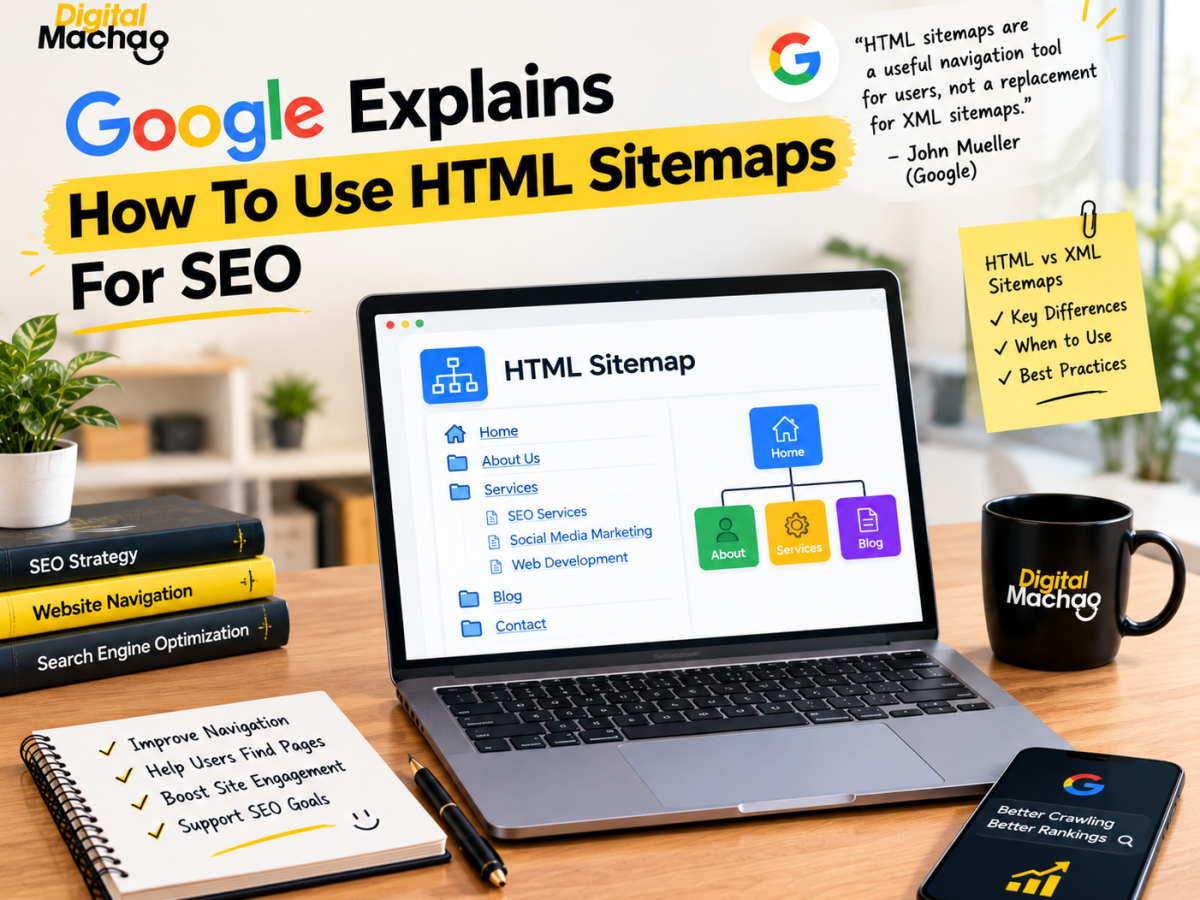


Google Explains How To Use HTML Sitemaps For SEO
Introduction: Google Explains How To Use HTML Sitemaps For SEO, And It’s Not What Most People Assume
For years, many site owners have treated HTML sitemaps as a relic — something SEOs used before XML sitemaps existed, now kept around mostly out of habit. That assumption just got a reality check. In a recent episode of Google’s Search Off The Record podcast, Google explains how to use HTML sitemaps for SEO in a way that clarifies exactly what role they still play, and where they genuinely stop being useful.
At digitalmachao.com, where we follow Google’s statements and SEO developments closely, this discussion stood out because it tackles a question a lot of site owners quietly wonder about but rarely get a direct answer to: do HTML sitemaps still matter in 2026? Now that Google explains how to use HTML sitemaps for SEO through John Mueller’s own comments, there’s finally a clear answer — and it’s more nuanced than “yes” or “no.”
This article breaks down the full discussion: where HTML sitemaps came from, why they’re fundamentally different from XML sitemaps, and exactly how to use one effectively if you decide to build it.
Where HTML Sitemaps Came From, Before XML Existed
Key facts:
- Before the XML sitemap standard existed, SEOs commonly linked to HTML sitemaps directly from site footers, often listing nearly every meaningful page on the site to help search engine crawlers discover them more easily.
- RSS feeds may have also helped with page discovery during this earlier era, though they were never widely adopted as a dedicated discovery method the way HTML sitemaps were.
- The XML sitemap standard that’s now universal across the industry only came about later, once Google, Yahoo, and Microsoft agreed on a shared format for submitting structured lists of URLs directly to search engines.
Why This Matters
Understanding this history is the first step to correctly interpreting how Google explains how to use HTML sitemaps for SEO today. HTML sitemaps weren’t originally built as an SEO trick — they were a practical discovery tool built before search engines had a dedicated, structured way to receive a site’s URL list. Once XML sitemaps arrived and gave crawlers that structured channel directly, the original reason for building a massive HTML sitemap page largely disappeared. That history explains why so much confusion exists today about whether HTML sitemaps still serve any real purpose.
Google Confirms: HTML Sitemaps Are Not A Replacement For XML Sitemaps
Key facts:
- In the Search Off The Record episode, Google’s John Mueller was direct about the core limitation: HTML sitemaps lack the structured format that XML sitemaps provide, and they cannot be submitted to Google as an actual sitemap file through Search Console or any other submission method.
- Mueller described an HTML sitemap plainly as “basically a collection of links” — not a technical sitemap in the formal sense Google uses that term.
- Despite not being a submittable sitemap, crawlers can still follow the links on an HTML sitemap page exactly the way they’d follow any other links found anywhere else on a site.
Why This Matters
This is the single most important clarification in how Google explains how to use HTML sitemaps for SEO. The confusion many site owners have stems from the shared word “sitemap” — assuming an HTML sitemap and an XML sitemap serve the same technical function just in different formats. They don’t. An XML sitemap is a formal, submittable file that directly tells Google which URLs exist and when they were updated. An HTML sitemap is simply a page of links, discovered and crawled the same way any other page on your site would be. Treating one as a substitute for the other is a mistake worth correcting immediately if your SEO strategy currently relies on that assumption.
So What Is An HTML Sitemap Actually Good For?
Key facts:
- Despite not functioning as a technical sitemap, Mueller confirmed that HTML sitemaps still serve a legitimate purpose: working as a genuine, user-facing navigation aid for actual site visitors.
- In the ecommerce example Mueller used to illustrate this, an effective HTML sitemap page would list top-level category pages — not an exhaustive list of every single product on the site.
- This structure allows visitors to use the page as a starting point, drilling down from broad categories into the specific pages or products they’re actually looking for.
Why This Matters
This is the practical core of how Google explains how to use HTML sitemaps for SEO: the value starts with the human visitor, not the crawler. An HTML sitemap built correctly isn’t a dumping ground for every URL on your site — it’s a genuinely useful navigation page that helps real people find their way around, especially on larger sites where primary navigation menus can’t reasonably list everything. Built this way, it functions much like a well-organized table of contents rather than an exhaustive technical index.
Why HTML Sitemaps Don’t Need To Include Every Page
Key facts:
- A key distinction Google draws is that HTML sitemaps don’t need to include every page on a site — unlike XML sitemaps, which are often expected to comprehensively list all the important, indexable URLs a site wants crawled.
- The ecommerce example specifically illustrates this: category-level pages make sense for a human-usable navigation aid, while listing every individual product would make the page overwhelming and far less useful for actual visitors.
- This reinforces that HTML sitemaps and XML sitemaps are built for fundamentally different audiences and purposes — one for people, one for crawlers.
Why This Matters
This single point resolves a common point of confusion in how site owners approach HTML sitemap pages. Many older HTML sitemaps were built as link-dumps, trying to cram in every possible URL in an attempt to help with crawling — exactly the approach that made sense before XML sitemaps existed, but that now works against the page’s actual value. Once Google explains how to use HTML sitemaps for SEO this way, the better approach becomes obvious: build it for the person using it, structured around logical categories, not as an exhaustive technical artifact competing with your XML sitemap’s job.
The Indirect SEO Benefit: Better Navigation Still Helps Crawling
Key facts:
- While HTML sitemaps aren’t submittable technical sitemaps, Mueller’s explanation makes clear their SEO value genuinely starts with user experience rather than crawler mechanics.
- Because crawlers follow links the same way users do, a well-organized HTML sitemap that genuinely improves how visitors navigate a site can, as a secondary effect, also support crawling and page discovery — particularly for pages that might otherwise be harder to reach through standard navigation.
- This creates a kind of dual benefit: a page built primarily to help real visitors also ends up reinforcing crawl paths through the site, even though that wasn’t its primary technical function.
Why This Matters
This is the most useful practical takeaway from how Google explains how to use HTML sitemaps for SEO. The right mental model isn’t “build an HTML sitemap to help Google crawl my site” — it’s “build a genuinely useful navigation page for visitors, and the crawling benefit comes along for free.” That reframing changes how you should design the page: prioritize clarity, logical grouping, and usefulness to a real person browsing your site, rather than trying to maximize the raw number of links crammed onto it.
How To Actually Build An HTML Sitemap Correctly, Based On This Guidance
Putting this discussion into a practical checklist:
- Don’t treat it as a replacement for your XML sitemap. Keep submitting and maintaining your XML sitemap through Search Console — that remains the correct technical channel for telling Google which URLs exist.
- Structure it around top-level categories, not every single URL. Following the ecommerce example, group links logically rather than listing every product or deep page.
- Design it for actual human visitors first. Ask whether a real person landing on this page would find it genuinely useful for navigating your site, not just whether it contains a lot of links.
- Let the crawling benefit happen naturally. A clear, well-organized HTML sitemap will support discovery as a side effect of good navigation — you don’t need to over-engineer it for crawlers specifically.
- Consider it most seriously for larger, more complex sites where primary navigation menus can’t reasonably surface every important category or section.
Conclusion: A Small But Useful Clarification
This discussion is a good example of Google clearing up a lingering point of confusion without making any dramatic new announcement. Google explains how to use HTML sitemaps for SEO not by declaring them obsolete, and not by claiming they’re a secret ranking lever either — but by drawing a clean, practical line: XML sitemaps handle the technical job of telling Google what exists, while HTML sitemaps, when built thoughtfully, remain a genuinely useful navigation tool for real visitors that happens to support crawling as a bonus.
For any site owner still unsure whether an HTML sitemap is worth maintaining, the answer from this discussion is clear: yes, but build it for your visitors, not as a technical workaround for your XML sitemap.
Key Takeaways
- Google explains how to use HTML sitemaps for SEO as user-facing navigation tools, not technical sitemap files. They can’t be submitted to Google the way XML sitemaps can.
- John Mueller described an HTML sitemap as “basically a collection of links” that crawlers follow like any other page links.
- HTML sitemaps don’t need to list every page. The recommended approach, per the ecommerce example, is organizing by top-level categories rather than exhaustive URL lists.
- Their SEO value starts with user experience. A genuinely useful navigation page naturally supports crawling and discovery as a secondary benefit.
- They remain most useful for larger, more complex sites where standard navigation menus can’t surface every important section.

FAQs
1. Can an HTML sitemap replace an XML sitemap?
No. According to Google’s John Mueller, HTML sitemaps lack the structured format XML sitemaps provide and cannot be submitted to Google as a technical sitemap file. The two serve different, non-interchangeable purposes.
2. Does an HTML sitemap need to list every page on a website?
No. Google’s guidance suggests structuring HTML sitemaps around top-level categories rather than listing every individual page, especially on larger sites like ecommerce stores with many products.
3. Do HTML sitemaps still help with SEO in any way?
Yes, but indirectly. A well-organized HTML sitemap built for genuine user navigation can also support crawling and page discovery, since crawlers follow its links the same way they follow any other links on a site.
4. What’s the main purpose of an HTML sitemap today?
Its primary purpose is serving as a navigation aid for real site visitors, helping them find their way through a site’s structure — particularly useful on larger or more complex sites where standard menus fall short.
5. Should every website have an HTML sitemap?
Not necessarily. They’re most valuable for larger, more complex sites where primary navigation can’t reasonably surface every important category or section. Smaller sites with simple navigation may not need one.
This article draws on reporting originally published by Search Engine Journal, based on comments from Google’s John Mueller on the Search Off The Record podcast, reworked by the digitalmachao.com team to help site owners understand the current role of HTML sitemaps.